Instagram Unfollower Tracker for Android Without Login
Track Instagram unfollowers on any Android phone without installing a Play Store app — use your own data export and hooleft.me in Chrome.
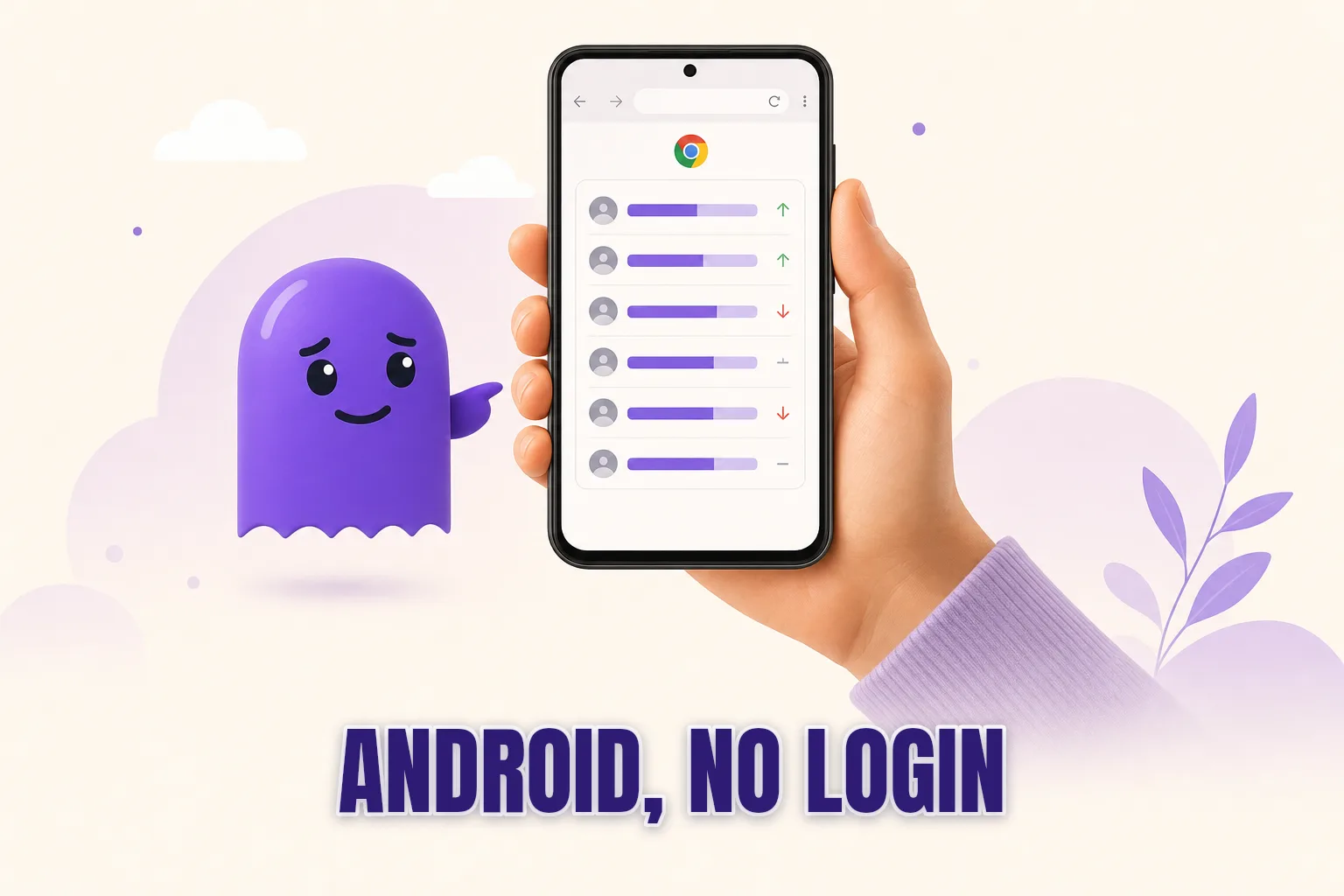
If you want an Instagram unfollower tracker for Android that does not require handing your login to a third party, the approach is the same one that works on any device: your own Instagram data export and a browser. No Play Store app to install, no Instagram password shared with a stranger's server — just Chrome, the Instagram app's built-in export, and hooleft.me running in your browser.
Here is how the full process works on Android, including the parts that are different from a desktop or iPhone.
Why Play Store unfollower apps carry a different kind of risk on Android
Searching "Instagram unfollower" in the Play Store returns several apps. Most ask you to log in with your Instagram account before showing any results. That login is not just for authentication — it hands the app a session token it can use to read your contacts, DMs, and saved posts, well beyond the follower list you actually wanted. Instagram monitors for automated access of this kind and has suspended accounts that triggered those patterns.
Android adds a second layer of risk that iPhone users do not face: sideloaded APKs. Android allows installing apps from outside the Play Store, and a category of sites distributes follower-tracking APKs marketed as "free and no ads." These files skip the Play Store's review process entirely. Unofficial follower-tracking APKs have historically bundled credential-harvesting code alongside the feature they advertise. There is no safe version of that category.
The data-export route avoids both problems. Instagram produces the file from your own account settings; you download it to your phone; a tool reads the follower data inside. Nothing connects to your account after that, and no credentials are involved at any step. The safest way to check Instagram unfollowers explains why this distinction matters across every platform, not just Android.
How the browser-based route works
Instagram's settings include a built-in export tool that produces a downloadable archive of your own account data. That archive contains a complete, timestamped list of everyone who follows you and everyone you follow. Upload it to hooleft.me and it shows you who appears in your following list but not in your followers list — the accounts that unfollowed you or never followed back.
On Android, the entire process runs in apps you already have:
- Instagram app: to request the export
- Your email app: to receive the download link
- Chrome: to download the ZIP and open hooleft.me
- Google Files or your device file manager: where the ZIP lands
Nothing from the Play Store is needed beyond the Instagram app itself.
How to do it on Android, step by step
Step 1: Request the export from the Instagram app
Open the Instagram app and go to your profile by tapping the person icon at the bottom right. Tap the three-line menu in the top right corner, then choose Settings and privacy. Scroll down to Your activity, tap Download your information, then tap Request a download.
On the screens that follow:
- Select the account you want if you have more than one linked.
- Tap Some of your information.
- Check the box next to Followers and following.
- Tap Next.
- Choose JSON as the format — not HTML. JSON is what hooleft.me parses; HTML produces a set of styled web pages that cannot be used for the comparison.
- Choose All time so you get the complete follower and following history.
- Tap Submit request.
Instagram emails you when the archive is ready. Most accounts receive the link within a few hours. Large accounts with years of media content can take up to 48 hours.
Step 2: Download the ZIP in Chrome
When the email arrives, open it on your Android phone and tap the download link. Chrome handles the download automatically and saves the ZIP to your Downloads folder. A brief notification appears in your notification drawer when the download finishes.
If tapping the link opens a web page rather than starting a download immediately, look for a Download button on that page — Instagram's file-delivery page sometimes requires one extra tap. If nothing happens, long-press the link in your email, copy the link address, paste it into Chrome's address bar, and navigate directly.
Step 3: Upload to hooleft.me in Chrome
Open hooleft.me in Chrome on your Android phone. Tap the upload area. When the file picker opens, look for a Downloads shortcut in the left sidebar — Google Files places it there. On some Samsung devices, the file picker defaults to the Gallery; tap the three-line menu inside the picker and navigate to Files or Downloads to find the ZIP.
Select the Instagram ZIP without extracting it first. hooleft.me reads the archive as-is and shows your results within a few seconds.
If you uploaded a previous export and saved a snapshot, hooleft.me can compare the two exports and show exactly who left in the time between the two requests. Snapshot history is part of the Pro plan.
Play Store app vs browser-based on Android
| Approach | Instagram login | Account risk | Needs Play Store install | Works in Chrome | Cost |
|---|---|---|---|---|---|
| Play Store password app | Yes | High (session access) | Yes | No | Free (ads) / $5-$15/mo |
| Sideloaded APK | Yes | Very high | No (risky) | No | "Free" (credential risk) |
| DIY export + manual JSON | No | None | No | Partial (tedious on phone) | Free (your time) |
| hooleft.me | No | None | No | Yes | Free tier + Pro |
The meaningful difference between a Play Store app and hooleft.me is not price — it is what you hand over. An app that asks for your Instagram login holds a session token with access to far more than your follower list, and that access stays active until you manually revoke it. hooleft.me receives one ZIP file, reads the follower data inside it, and that is the end of the transaction. For more on how session access translates to real account risk, do Instagram unfollower apps get you banned covers the specifics.
Android-specific things that can interfere
Most uploads go smoothly, but a few Android situations are worth knowing about before you start.
Chrome download prompts: Some Chrome settings cause it to ask where to save each download before starting. If prompted, choose Downloads so the file is easy to locate when you open hooleft.me. You can also retrieve any downloaded file from the three-dot menu in Chrome under Downloads.
File picker navigation: On certain Android versions the system file picker opens to internal storage or the Gallery rather than Downloads. If you do not see the ZIP immediately, look for a Downloads shortcut in the sidebar or tap the three-dot menu inside the picker to switch the view. On Samsung phones running One UI, Samsung MyFiles may appear as the default picker — navigate to Phone storage, then Downloads.
Storage space: Instagram's archive can range from a few megabytes for newer accounts to several hundred megabytes for older ones with large media collections. If your phone has limited free storage, Chrome may pause or fail the download. Clearing space before starting — you can delete the ZIP from Downloads after uploading — prevents this.
Other browsers: Firefox for Android and Samsung Internet both support the same upload flow. Downloads land in the same Downloads folder, and the hooleft.me file picker works identically. Chrome is the most common, but any current Android browser handles it.
FAQ
Can I track Instagram unfollowers on Android without installing any app?
Yes. Request your Instagram data export through the Instagram app, download the ZIP in Chrome when the email arrives, and upload it to hooleft.me. Everything runs in your browser — no Play Store app needed at any step.
Where does the Instagram ZIP file go when I download it on Android?
Chrome saves downloaded files to your Downloads folder. Open Google Files (or your device's file manager) and look in Downloads. The file will be named something like instagram-username-YYYY-MM-DD.zip and should appear at the top of the folder, sorted by date.
Do I need to extract the ZIP before uploading?
No. hooleft.me reads the ZIP directly. Tap the upload button on hooleft.me in Chrome, navigate to Downloads, and select the file as it is. Extracting it first is unnecessary and does not speed anything up.
Is it safe to upload my Instagram data on Android?
Your Instagram data export contains your follower and following lists with timestamps — not your password, private messages, or payment details. hooleft.me reads these files without storing the raw archive permanently.
What about sideloaded APKs offering free tracking?
Avoid them. APKs distributed from outside the Play Store skip the store's review entirely. Follower-tracking APKs from unofficial sources commonly ask for credentials that a simple list comparison does not require. The data-export route through hooleft.me needs no credentials at any point.
The short path from any Android phone
The route from "I want to know who unfollowed me" to an actual answer is three steps on Android: request the export, download the ZIP when the email arrives, and upload it to hooleft.me in Chrome. No app to install, no Instagram login shared with a third party, no card required to see your first results.
The only wait is for Instagram to prepare the file. Once it arrives in your email, the active part of the process takes a few minutes from any Android phone.
Related
How to See Who Unfollowed You on Instagram (Without an App)
Instagram won't tell you who unfollowed — but your own data export will. Here's the safe way to find out, with no password apps required.
How to Track Instagram Unfollowers Over Time
Track who unfollows you on Instagram over time using data export snapshots. No password required — build a repeatable monthly habit that names every account that left.
Instagram Unfollower Tracker for iPhone Without an App
Check who unfollowed you on Instagram from your iPhone without any App Store download — your own data export and hooleft.me in Safari is all you need.
See who left.
hooleft.me compares your own Instagram export and names the accounts that stopped following you. No password, and no card to start. Pro is $49 a year for the full list and snapshot history.
Start free