Does the Instagram Link Sticker Help You Get Followers?
The Instagram link sticker routes story viewers to other content but rarely grows your follower count directly. Here's how it works and how to measure the real effect.
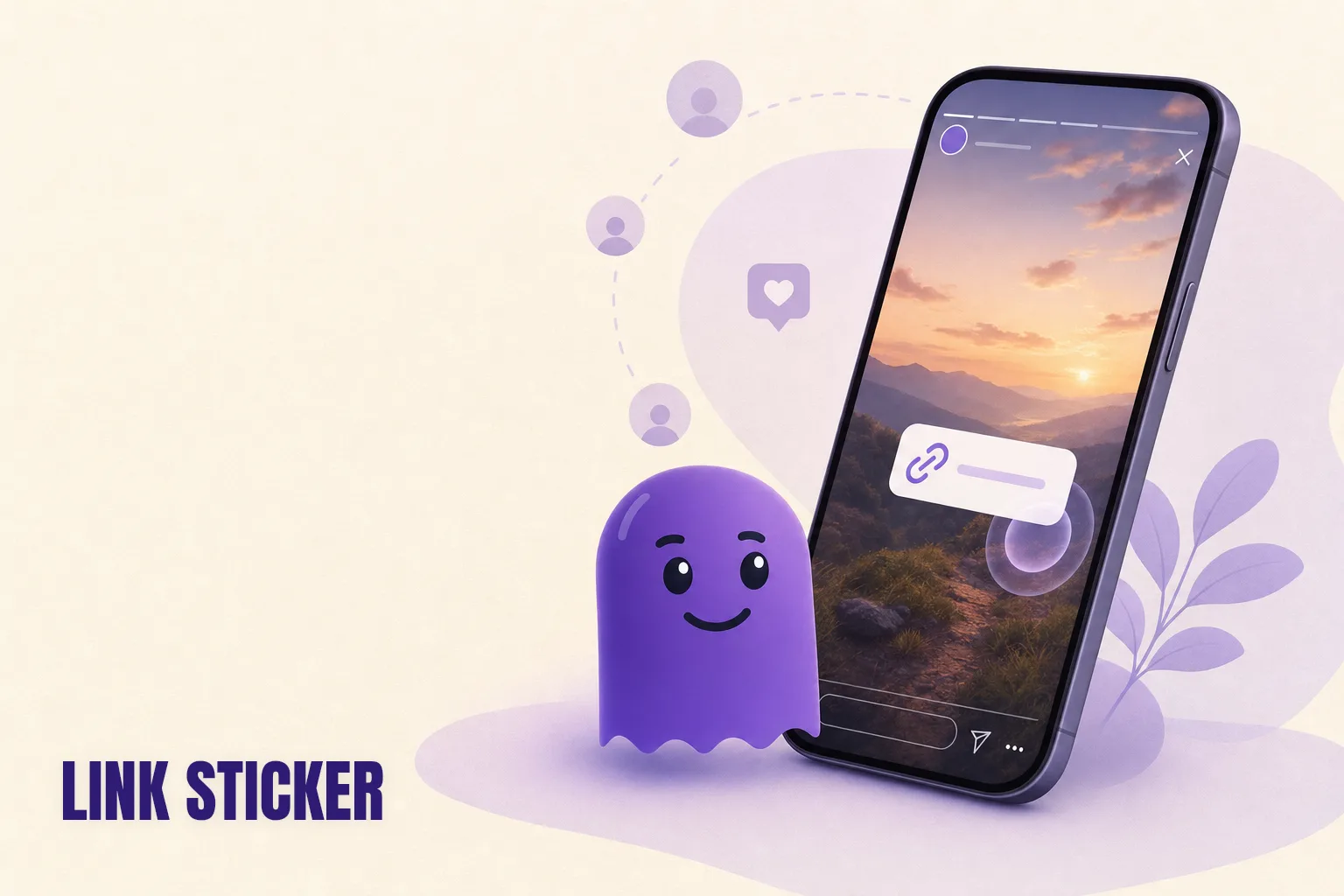
The Instagram link sticker lets you embed a tappable URL in any story, and since 2021 it has been available to every account regardless of follower count. The honest answer to whether it helps you get followers is: not often directly. Stories are seen almost entirely by people who already follow you, so the link sticker routes your existing audience somewhere — it does not recruit new people. That routing can contribute to follower growth, but only indirectly, and only when the destination earns it.
What the link sticker actually does
The link sticker is a tap target that sends a story viewer to any URL you specify — a blog post, a product page, another piece of content, or your website. It replaced the old swipe-up link when Meta retired that feature in 2021. The functional difference: the swipe-up was limited to accounts with over 10,000 followers or a verified badge. The link sticker has no such restriction. Every account, including brand-new ones with twelve followers, can add a URL to a story.
When a viewer taps the sticker, they leave Instagram's story flow and land on the destination URL. Instagram Insights records how many people tapped on a given story, which is useful for comparing hook effectiveness. What Insights does not record is what the viewer did after tapping — whether they returned to Instagram, looked at your profile, or chose to follow.
The link sticker is a routing tool. It moves a viewer from your story to somewhere else. The question of whether it helps with followers depends on what is at "somewhere else" and whether viewers who arrive there choose to come back.
Why stories mostly reach your existing audience
Stories have a distribution property that sets a ceiling on their follower-growth potential: they appear almost exclusively to people who already follow your account. Unlike Reels, which Instagram shows to non-followers via the Reels tab and the Explore feed, stories are a connected-reach feature. Your story circle is visible to your followers. Non-followers generally cannot see it unless they visit your profile directly.
This matters when thinking about the link sticker. If the audience for your stories is primarily existing followers, the sticker routes people who already chose to follow you — not people who are deciding whether to follow. The comparison with Reels is explored in more detail in the post on why Reels get views but not followers: Reels can reach millions of non-followers but converting them to follows is still unreliable. Stories do not reach non-followers in the first place.
The link sticker is downstream in the follower funnel, not at the top of it.
How to use the link sticker for indirect follower growth
The sticker becomes genuinely useful for growth when you treat it as a handoff rather than an acquisition tool.
One pattern that works: publish a Reel or carousel post designed to surface to non-followers. If it performs and drives new profile visitors, some of those visitors will browse your current stories. A link sticker in a story can route that warmer visitor — someone who arrived via Reels distribution and is already curious — to the content most likely to convert them into a follower.
A second pattern: use the sticker to deepen engagement with existing followers in ways that make them less likely to drift away. Routing a story viewer to a post they would have missed, or to a resource relevant to the reason they followed you, reinforces their reason for staying. Retention is the quieter form of follower growth. Someone who stays is one fewer person to replace. The guide on how to see who unfollowed you on Instagram shows how to identify who is leaving, so you can assess whether engagement initiatives like these are keeping people around.
Neither of these patterns makes the link sticker the cause of follower growth. It is a lever that sits inside a larger system.
Practical placement
A few notes on how to use the sticker without friction:
Match the link to the story's content. A story teasing a new post should link to that post. A story about a product should link to the product. A mismatched link sends viewers somewhere unexpected and reduces the chance they return.
Add a short text label next to the sticker. "Read more" or "Full guide here" tells the viewer what they are tapping into. The sticker alone reads as a raw URL and gets passed over by many viewers who are not sure what they are getting.
Place it near the bottom of the frame. Interactive elements are expected there. A sticker overlapping your image's focal point competes for attention with the content itself.
Skip the sticker on stories where there is no meaningful destination. If the story is complete in itself — a casual update, a poll, a reaction — there is nothing to route to. Adding a link anyway makes the story feel transactional.
Tracking whether it moves your follower count
Instagram Insights shows link taps per story, and you can use that to compare tap rates across story styles and topics. What it cannot show is whether taps resulted in new follows.
For the follower picture, the data export is the right source. Download your Instagram data archive before a story campaign period and again afterward. Comparing the two follower files shows you the net change — who arrived and who left during that window.
hooleft.me does this comparison in seconds from a single ZIP upload. You get a clean view of who followed or unfollowed during the period, without manually reading JSON files. hooleft.me requires no Instagram login and accesses nothing except the file Instagram already gave you. If link-sticker-heavy stories correlate with follower gains, you will see it in the comparison. If people are tapping the sticker and then drifting away, hooleft.me surfaces that too. It is the same approach used for any follower audit — just applied to a specific time window around a campaign.
Pairing Insights tap data with an export comparison from hooleft.me gives you the two numbers that actually matter: how many people engaged with the link, and how many stayed as followers.
FAQ
Does the Instagram link sticker bring new followers?
Rarely on its own. Stories are seen mainly by people who already follow you, so the link sticker works best for routing engaged viewers to conversion content — not for reaching strangers who might follow.
Who can use the Instagram link sticker?
All Instagram accounts, regardless of follower count. Meta removed the 10,000-follower requirement for swipe-up links in 2021 and replaced the feature with the link sticker, now available to everyone.
What did the link sticker replace?
The swipe-up link, which was only available to accounts with 10,000 or more followers or verified accounts. The link sticker offers the same core functionality to all users.
Can I track whether the link sticker is bringing followers?
Not directly through Instagram Insights, which shows link taps but not what those taps converted to. Your clearest signal is comparing your follower list before and after a campaign — hooleft.me does this from a single data export upload.
Should I use a link sticker in every story?
No. Use it where there is a genuine next step for the viewer. Over-linking makes stories feel promotional, which tends to reduce engagement rather than grow it.
The link sticker is most useful when it serves the viewer's next logical step. Used that way, it deepens engagement with the audience you already have — and engaged followers are the foundation of any growth that sticks. To see whether your engagement work is translating into retention, upload your Instagram data export to hooleft.me and compare follower snapshots over time.
Related
Do Location Tags on Instagram Help You Get More Followers?
Location tags add your content to Instagram's location pages and boost local discoverability, but converting those impressions into followers depends on your content.
Someone Unfollowed Then Refollowed You on Instagram
When someone unfollows then refollows you on Instagram, an accidental tap is the most common cause. Here is what the pattern means and how to notice it.
Instagram Unfollower Tracker for iPhone Without an App
Check who unfollowed you on Instagram from your iPhone without any App Store download — your own data export and hooleft.me in Safari is all you need.
See who stopped following you.
hooleft.me reads the data export Instagram already gives you and tells you who stopped following. No password, nothing to install. Pro is $49 a year when you want the full list.
Start freeNo export yet? How to request it from Instagram