How Instagram's Sensitive Content Filter Affects Your Reach
Instagram's sensitive content filter limits who sees your posts in Explore. Learn how the setting works and what it means for your follower growth.
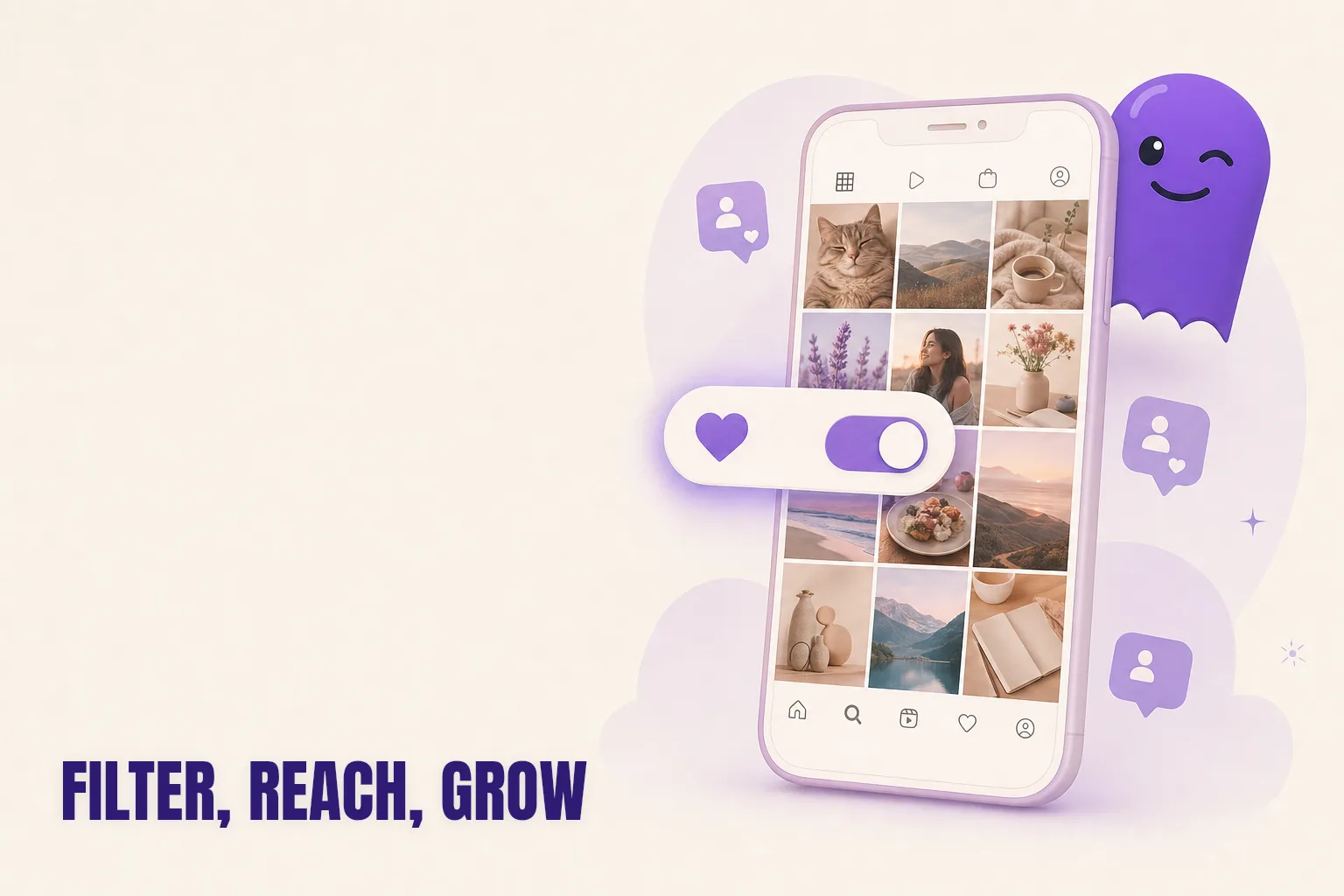
When your Explore reach quietly drops and you are not sure why, Instagram's sensitive content filter is worth understanding. The short answer: Instagram gives each user a personal setting that controls whether potentially sensitive posts appear in their Explore feed and Reels recommendations. If your content is classified as sensitive, a portion of your potential audience will simply not see it there — no warning, no notification.
This post explains how the filter works, what you can and cannot do about it, and how to tell whether it is the reason your follower growth has stalled.
What the sensitive content filter is and who controls it
The sensitive content filter lives in each user's Settings under Account > Sensitive Content Control. It is a viewer-side setting with three levels:
- Less: filters out most posts Instagram considers potentially sensitive, including mild violence, suggestive imagery, and posts on certain topics.
- Standard: the default for most accounts. Shows some sensitive content but not all.
- More: expands what appears in Explore and Reels recommendations. Instagram restricts this option for accounts belonging to users under 18.
The setting belongs to the viewer, not the creator. You cannot tag your own posts as safe or opt them in. Instagram's automated classification systems decide whether a given post qualifies as sensitive content; the viewer's chosen level then determines whether that post surfaces in their non-follower feeds.
This distinction matters. When creators talk about content being filtered or suppressed, they often conflate the sensitive content filter with a shadowban — two separate mechanisms. The shadowban is an algorithmic penalty Instagram applies to accounts that violate certain behaviors; the sensitive content filter is a preference each viewer sets for themselves, applied uniformly across the platform.
What Instagram classifies as sensitive
Instagram has not published a precise definition, but its Help Center describes sensitive content as posts that do not violate the Community Guidelines but that some people might find offensive or inappropriate. In practice, this category has included:
- Mild violence or graphic medical imagery
- Suggestive imagery that falls short of explicit content
- Posts that reference firearms, ammunition, or vaping (even for legal retail accounts)
- Commentary on social or political topics that Instagram's systems flag as potentially divisive
A post can be classified as sensitive without breaking any rules and without you being told it happened. Many creators in legitimate niches — fitness, hunting, beauty, advocacy — find that some of their content is quietly filtered for a portion of the audience they were trying to reach.
How the filter affects your reach among non-followers
The filter exclusively affects non-follower discovery surfaces. Your existing followers see your posts in their home feed regardless of their filter setting — the filter does not touch that surface. Where it matters is Explore and Reels recommendations: the parts of Instagram that surface your content to people who do not yet follow you.
If a meaningful share of people who would otherwise engage with your content have their setting on Less or Standard, and Instagram classifies your posts as sensitive, those people will not encounter your content there. Instagram Insights may show a gradual drop in Explore impressions with no obvious explanation, because the platform does not flag the cause.
This is one reason Explore reach can feel inconsistent. Two accounts with similar content posted to similar audiences can see very different discovery rates simply because of how the classifier treats them. The Explore page algorithm already favors accounts with strong engagement signals — but if content is filtered before it can earn those signals, the cycle never starts.
Understanding this distinction is also useful when diagnosing a follower growth problem. If you want to see who unfollowed you on Instagram and compare that to your Explore data, you can begin to separate a retention problem (people leaving) from a discovery problem (people not finding you in the first place).
The link between filtered content and follower growth
The filter does not directly cause your existing followers to leave. Someone who already follows you and sees your posts in their home feed is unaffected by their filter setting. The damage is to the pipeline: fewer people discovering your content in Explore and Reels means fewer profile visits, which means fewer new follows.
Over time this can produce a follower growth plateau — your retention looks fine, but new followers have stopped coming in. This is distinct from the pattern where a specific post causes a visible wave of unfollows, which often signals an audience mismatch rather than a reach problem. Knowing which problem you have determines the response — and hooleft.me makes that distinction clear by showing you exactly who left your follower list and when, so you are not guessing from a net number.
There are a few practical steps worth trying if you suspect the filter is narrowing your reach:
-
Audit your content for classification triggers. Review your recent posts against what Instagram describes as sensitive content. If a pattern appears — certain imagery, topics, or framing — experiment with adjusting those elements and compare Explore performance across content types.
-
Use surfaces the filter does not touch. Stories shown to your followers, direct messages, and broadcast channels reach your existing audience without filter interference. Building a strong follower base first gives you a baseline audience that sees your content regardless of what happens in Explore.
-
Request a review for misclassified posts. Instagram's Content Appeals tool in Settings lets you flag content you believe was incorrectly classified. Outcomes vary, but for accounts in unambiguously legitimate niches, an appeal can sometimes reset how the system treats similar posts.
-
Measure changes after you adjust. If you shift your content approach, watch Explore impressions in Insights over the following two to three weeks. Because the filter operates at the viewer level, recovering from it shows up as a rise in non-follower reach before anything else changes.
Separating a discovery problem from a retention problem
When follower growth stalls, both causes feel similar from the outside. The way to distinguish them is to look at both sides of the follower equation: new inflow and existing churn.
Instagram Insights gives you a partial view. On a creator or business account, you can see net follower changes and filter reach by source — following (people who already follow you), non-followers (Explore, hashtags, Reels recommendations), and others. If non-follower reach is declining while following reach holds steady, the sensitive content filter is a plausible culprit. If both are declining, something else is driving the problem.
For the churn side — tracking exactly who is leaving your follower list — your Instagram data export is more reliable than Insights. Insights shows net change; the export shows you individual accounts and timestamps. If you are looking at a two-week period after a content change and want to know whether it caused a specific group of followers to leave, the export has that answer in a way Insights does not.
hooleft.me is built for this comparison. Upload your data export and you get a clear view of who unfollowed you and when — not a net number but a named list with timestamps. That makes it practical to correlate follower losses with specific content decisions, posting periods, or shifts in your Explore reach. If a filter-related discovery problem and a retention problem are happening at the same time, which they sometimes do, hooleft.me helps you see both clearly and distinguish one from the other.
FAQ
What is the sensitive content filter on Instagram?
It is a personal viewer setting that controls whether potentially sensitive posts appear in Explore and Reels recommendations. Users choose Less, Standard, or More. Creators do not control the classification — Instagram's systems decide whether a post qualifies, and each viewer's setting determines whether they see it.
Does the sensitive content filter affect posts shown to my existing followers?
No. The filter only applies to non-follower discovery surfaces like Explore and Reels recommendations. Your followers continue to see your posts in their home feed regardless of their filter level.
Can the sensitive content filter cause me to lose followers?
Indirectly. It narrows the pipeline of new followers by reducing Explore reach. It does not cause existing followers to leave — but slower new-follower inflow can be hard to distinguish from churn without tracking both separately.
How do I know if my content is being filtered out?
Instagram does not notify you. Look for falling Explore impressions alongside stable follower engagement. If non-follower reach is dropping while your existing audience is still engaging, the filter is worth examining.
How can I track who unfollowed me when my reach changes?
Upload your Instagram data export to hooleft.me and you will see exactly who left and when — letting you separate a retention problem from a discovery problem.
Making sense of the signals
The sensitive content filter is a real factor for some accounts and irrelevant for others. The clearest signal that it is affecting you is a drop in Explore reach that does not correspond to a drop in follower engagement — your existing audience is still there, but new people are not finding you.
When you need to understand not just whether reach is down but whether followers are actually leaving, your data export tells the story. Drop it into hooleft.me and the comparison is immediate: a named list of who left, timestamped, so you can line it up against any content changes or Explore shifts you have been tracking. Discovery problems and retention problems both deserve attention; knowing which one you are dealing with is the first step to addressing it.
Related
How Instagram Saves and Shares Affect Your Reach in 2026
Instagram now ranks saves and DM shares above likes. Learn how saves and shares help you reach more people — and how to create content that earns them.
Do Instagram Carousels Get More Reach Than Single Photos?
Carousels and single photos reach audiences differently on Instagram. Here's how the re-serve mechanic works and which format fits which goal.
How to Open Your Instagram Data Export on iPhone
Your Instagram data export arrives as a ZIP file. Here is how to open it on iPhone using the Files app, and the one-step shortcut that skips unzipping altogether.
See who stopped following you.
hooleft.me reads the data export Instagram already gives you and tells you who stopped following. No password, nothing to install. Pro is $49 a year when you want the full list.
Start freeNo export yet? How to request it from Instagram