How to Compare Instagram Followers Between Two Dates
The only way to see who left your Instagram between two specific dates — how two data-export snapshots work, what makes the manual diff difficult, and how hooleft.me automates it.
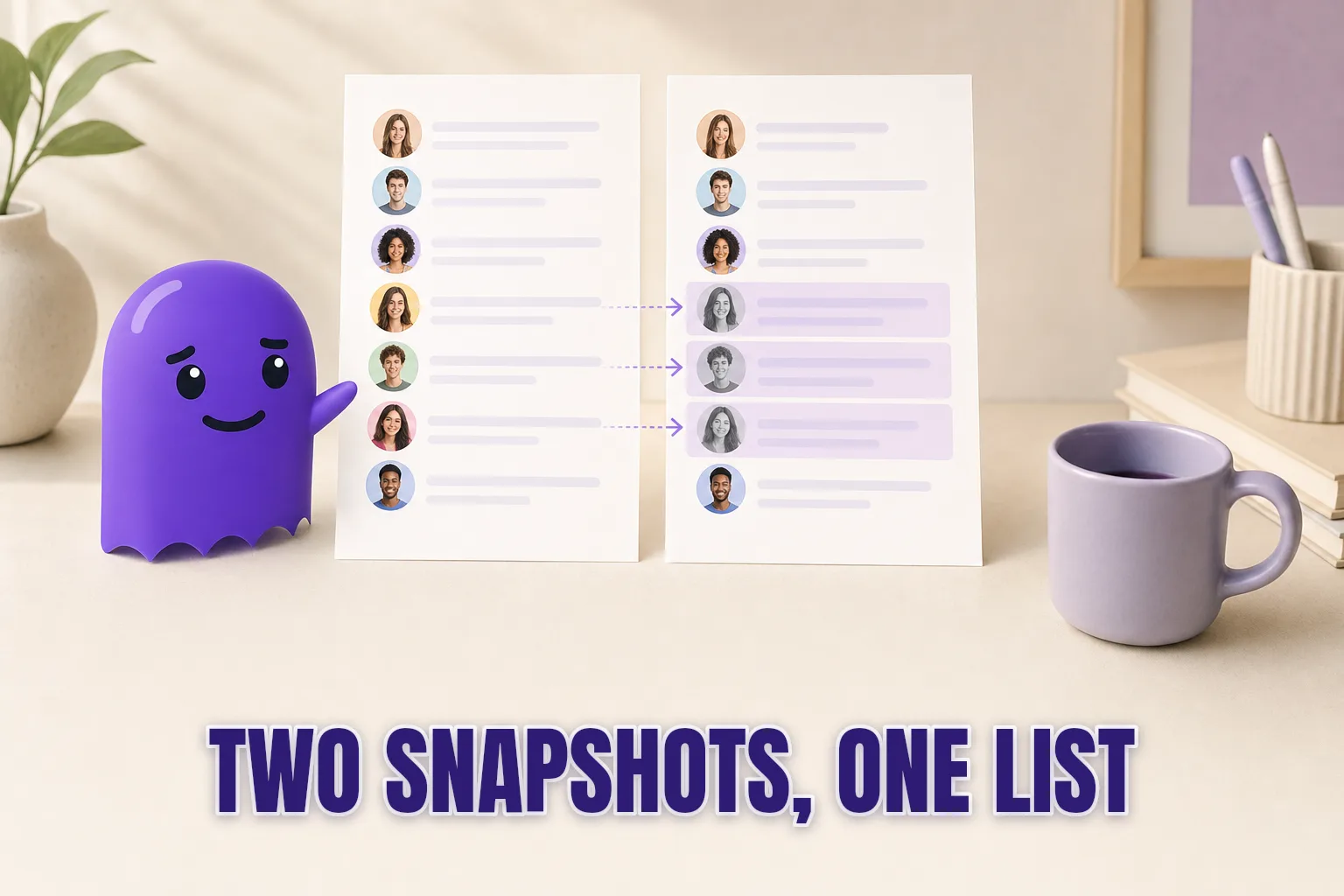
Most follower trackers tell you who left recently. If you need to know who left since last January, or since before a giveaway you ran six weeks ago, the question is harder — and Instagram cannot answer it directly. To compare your Instagram followers between two specific dates you need two separate snapshots of your follower list, one from each date. This post explains what that means in practice, why the manual route is more work than it sounds, and how hooleft.me handles the comparison without requiring you to open a single JSON file.
Why Instagram Cannot Give You This Data
Instagram Insights, available on creator and business accounts, displays a bar chart of follower count over time. You can see that you gained twenty-three followers last Tuesday or lost fourteen in the past thirty days. What you cannot see is which individual accounts those numbers represent.
This is not a missing feature — it is a deliberate design choice. Instagram aggregates follower data and does not surface individual unfollow events through any official interface, native or third-party. Meta closed that API endpoint in 2018 when it became clear how easily follower-graph data could be harvested at scale. No setting, no hidden menu, and no official dashboard surfaces a list of who specifically stopped following you between June 1 and July 1.
The only data Instagram releases to you that is granular enough to reconstruct that information is the data export. And to compare two points in time, you need two of them.
What a Data Export Snapshot Is
When you request your Instagram data archive, Instagram generates a point-in-time snapshot of your account. The ZIP file contains, among many other things, two JSON files: followers_1.json — everyone currently following you at the moment the export was generated — and following.json — everyone you follow. Both lists include timestamps for when each follow occurred.
The snapshot is tied to the moment of request. An export generated today reflects your follower list as it stands right now. It says nothing about who was there last month unless you also have an export from last month.
Comparing followers between two dates is therefore a diff: who appears in the first file but is absent from the second. That is the exact list of people who stopped following you in the interval between those two requests. For a closer look at what the archive contains file by file, the Instagram data export step-by-step guide walks through the full structure.
The Manual Diff: How It Works and Where It Breaks Down
If you have both archives and are comfortable with code, the comparison is technically straightforward. Load both followers_1.json files, extract the username from each entry, and find names present in the first list but missing from the second.
A rough sketch in Python:
import json

with open("followers_may.json") as f:
    may = {e["string_list_data"][0]["value"] for e in json.load(f)}

with open("followers_aug.json") as f:
    aug = {e["string_list_data"][0]["value"] for e in json.load(f)}

left = may - aug
print(f"{len(left)} accounts left between the two snapshots")
That works. For small accounts — a few hundred followers — the whole process takes about fifteen minutes once you know where the files are. The Instagram follower history guide goes deeper into what the archive contains and how to read those timestamps.
In practice, the manual approach runs into a handful of consistent friction points:
Split files. Instagram breaks large follower lists across multiple numbered files: followers_1.json, followers_2.json, and so on. If your diff script only reads the first file, it shows phantom unfollowers who never actually left. Large accounts can have a dozen or more files across two exports.
Deleted accounts. When an account is deleted or deactivated, it disappears from both your follower list and your export. The diff cannot distinguish a voluntary unfollow from an account that no longer exists. Both appear as an absence in the second file.
Format ambiguity. If you requested your export in HTML format rather than JSON, the structure is entirely different and the script above will not run. The exports also occasionally change internal structure between versions, breaking scripts written against the previous format.
Archive size. Large accounts accumulate exports measured in gigabytes when media is included. Opening these files in a text editor to inspect them is not realistic.
None of these are dealbreakers for a developer, but they add up quickly for anyone who just wants a list of names.
Why Date Comparisons Are Useful Beyond the Obvious Case
The most common reason someone wants a follower comparison between two dates is the one that sounds simple: "I posted something and my count dropped — who left?" That is a perfectly valid use of the diff, and it answers the question directly.
A few other uses that are less obvious but equally practical:
Gradual drift. A follower who stopped following in February and has been gone for six months does not appear as a recent event. A quarterly comparison — January versus July — shows the cumulative picture of who has drifted away, which can look very different from the day-by-day view.
Campaign cohort retention. If you ran a giveaway in June and want to know whether the new followers it brought have stayed by August, you need one snapshot before the giveaway and one two months after. The diff isolates exactly which giveaway-era followers remained and which did not.
Authenticity auditing. After a viral moment, a collaboration, or a period of unusually high growth, a diff a few months later shows what percentage of those gains were durable. High-quality growth sticks; bot and follow-for-follow growth typically does not.
Content pivot impact. If you changed your content style or posting cadence, a before-and-after comparison shows whether existing followers responded by leaving, staying, or being joined by new ones — giving a cleaner picture than raw count changes, which conflate gains and losses.
For each of these cases, what you need is reliable snapshots. The comparison is only as good as the coverage of the archives you have.
Comparing the Options
| Method | Needs your password | Result format | Reads your own data | Effort | Cost |
|---|---|---|---|---|---|
| Password-based tracker | Yes | In-app list | No — scrapes live | Low setup, ongoing account risk | $5–$15/month |
| Manual two-export diff | No | Terminal output or spreadsheet | Yes — but tedious (file parsing, edge cases) | Medium — first setup requires code | Free (your time) |
| hooleft.me | No | Visual list, instant | Yes — 1 file upload, snapshot history | Low | Free tier + Pro |
The safest way to check Instagram unfollowers in 2026 explains in more detail why the export-based approach carries no account risk while credential-based trackers do. The short version: your export is a file Instagram gave you; a tracker that holds your password has ongoing access to your live account.
How hooleft.me Handles the Comparison
hooleft.me is built around the exact task this post describes. When you upload your first export ZIP, the tool stores your follower list from that archive as a baseline. When you upload a second export later, it compares the two and shows the diff — which accounts were in the first snapshot and absent from the second, and which new accounts appeared since.
The result is the same information as the manual Python script, presented as a readable list rather than a terminal printout.
A few practical details about this workflow that save time:
- You upload the ZIP as-is. There is no extracting, no file inspection, and no need to find the right JSON file inside the archive.
- Large follower lists with split files are handled automatically — the tool reads all the numbered files and merges them correctly.
- The comparison runs in a few seconds regardless of how large the lists are.
The one habit that makes this workflow most useful is saving your export ZIPs when they arrive instead of deleting them after the first look. Instagram's export download link expires after a few days. The only permanent copy is the one you downloaded, and it is your only baseline for future comparisons.
Putting a Comparison Routine Together
If you want to track unfollowers over time with date accuracy, the rhythm that works for most accounts is monthly. Request a fresh export at the start of each month, upload it to hooleft.me, and compare it against the archive from the previous month. Each comparison shows you exactly who drifted away in the preceding thirty days — with no password shared, no app permissions granted, and no ongoing account risk.
For accounts in an active period — running campaigns, cleaning up following lists, or watching a notable drop — a weekly cadence during that period gives finer resolution. Once things settle, monthly is usually enough signal.
hooleft.me stores each upload as a named snapshot so you can revisit any comparison later. That means you are not locked into reviewing immediately after the upload — you can go back to a snapshot from six months ago if you need to check the cohort from a specific campaign period.
FAQ
Can Instagram show me who unfollowed me between two dates?
No. Instagram Insights shows a net follower count graph but never names who left. Individual unfollow events are not available through any official Instagram interface.
Do I need two separate data exports to compare followers between dates?
Yes, if you are doing it manually. Each export is a snapshot of your follower list at the moment Instagram generated it. Comparing two snapshots reveals who left in the interval.
How often can I request an Instagram data export for comparison?
Instagram allows a new export request roughly once every 24 hours. Most people find a monthly cadence gives enough signal without waiting too long between comparisons.
Does comparing two exports tell me exactly when someone unfollowed?
Not to the minute. It tells you someone was following at the first export and absent by the second. The unfollow happened somewhere in between — the exact moment is not recorded anywhere.
Can I compare exports without opening any JSON files?
Yes. Upload the ZIP directly to hooleft.me — no extracting, no file parsing required. The tool reads both exports and shows you who left as a visual list.
Two Snapshots, One Clear Answer
A single export answers "who is following me right now." Two exports, compared, answer "who was following me then and is not anymore." That gap — between a static list and a meaningful comparison — is exactly what hooleft.me is built to close, using data Instagram gives you directly, with no credential access and no ongoing account connection.
If you have not taken a baseline snapshot yet, the best time to start is before you need to compare. Request your first export today, save the ZIP, and you have a reference point ready whenever the comparison matters.
Related
How Long Does the Instagram Data Export Take?
Instagram's data download usually arrives in under 4 hours but can take up to 48. Here's what affects the wait and what to do with the file when it lands.
How Often Can You Request Your Instagram Data Export?
Instagram has no published re-request limit — but only one request can be active at a time, and the download link expires in four days. Here is the practical cadence.
How to Read Your Instagram Data Export JSON Files
Your Instagram data export contains JSON files with full follower and following records. Here is what each file holds and how to make sense of it.
Skip the JSON. See who left.
Upload the export as it came and hooleft.me does the comparing. No password, and no card to start. Pro is $49 a year for the full list and snapshot history.
Start freeNo export yet? How to request it from Instagram